Set it once.
Everything comes out looking like you.
Point it at your website and it works out your colors and your logo on its own. Pick your fonts, and from then on every email, flyer, poster and generated image carries them — without anyone having to remember the hex code.
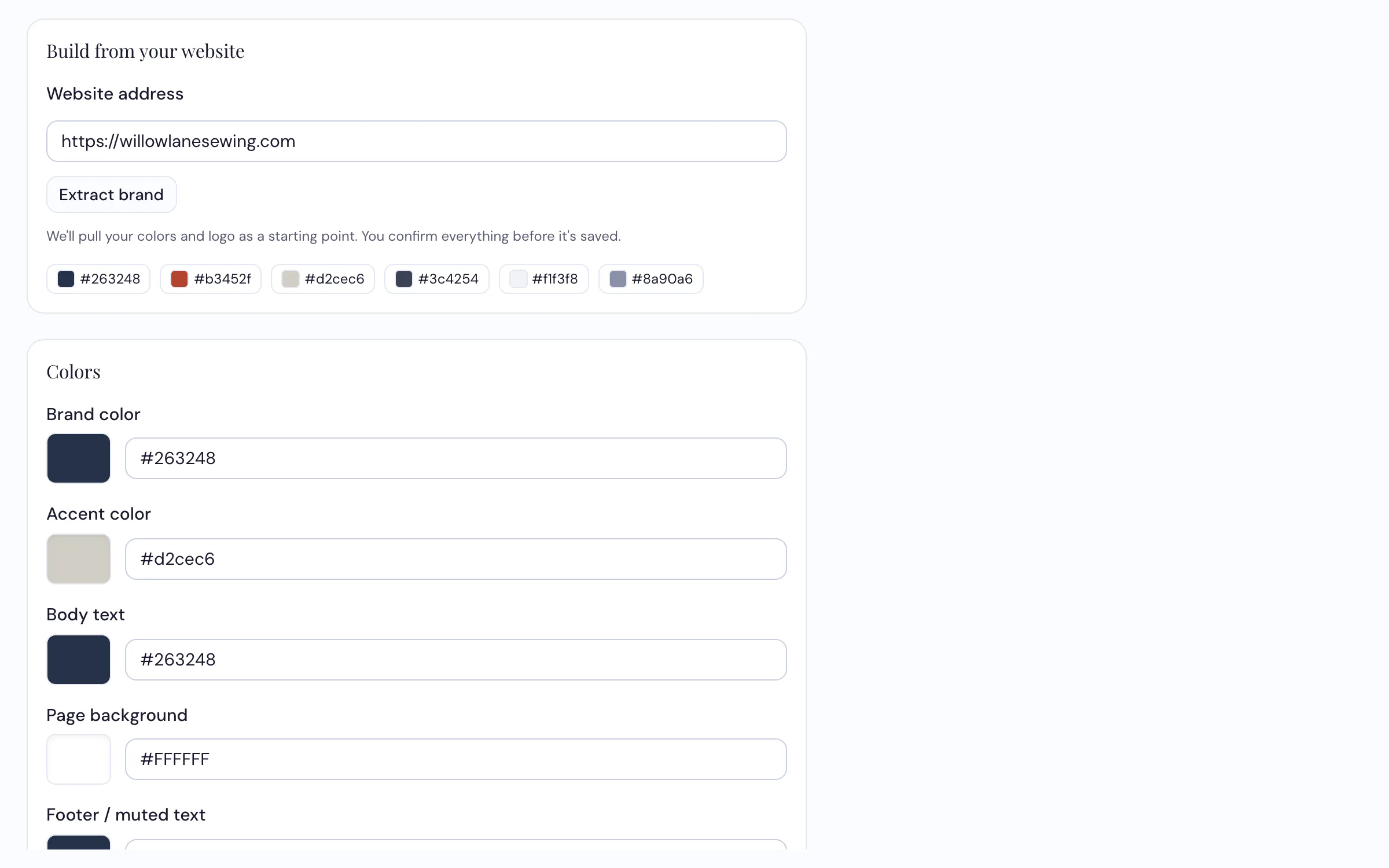
It reads your website and suggests. Nothing is saved until you say so.
How dealers use it
-
Give it your website address
It looks at your homepage and comes back with the colors it found and your logo. For most shops that's most of the job done — and it's usually more accurate than what anyone could recall from memory.
-
Adjust anything it got wrong, then save
Everything it finds is a suggestion sitting there waiting. Change a color, pick your heading and body fonts, upload a better version of the logo. Nothing takes effect until you save it.
-
Then stop thinking about it
Every tool reads from the same place. New email template, flyer, generated image, repair status page for customers — all of it comes out in your brand automatically. Change the color here and everything you make from then on picks it up.
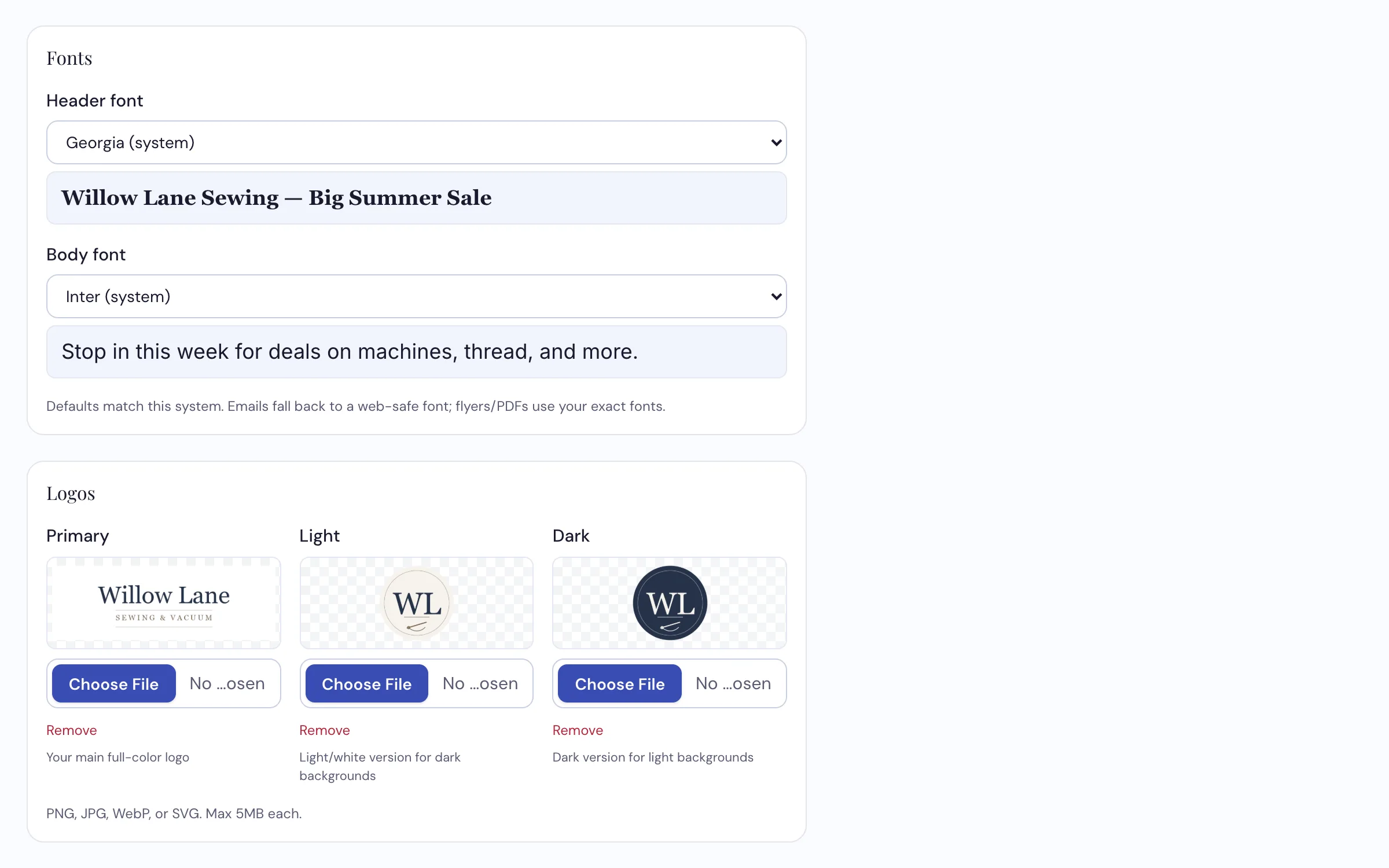
Three logo slots, because a logo that reads on white disappears on a dark email header.
What it does
- Reads your website and suggests your colors and logo
- Five colors — brand, accent, body text, page background and footer
- A heading font and a body font from a catalog of fourteen
- Three logo slots — your main mark plus light and dark versions for different backgrounds
- Feeds every other tool — content, email, print, images, and the customer-facing repair portal
- Sets your default email template so new content starts in the right place
Give us your website on the call
We'll run the extraction live and you can see what it pulls out.
Request a Demo