Your chatbot, taught
to sell like your staff.
Someone asks about an embroidery machine, and your chatbot mentions the stabilizer. Someone's machine is skipping stitches at nine at night, and a service request lands in your inbox. Chatbot Studio is where you set all of that up: lead forms, promotions, guided flows, chat starters and cross-sell rules, in your own words.
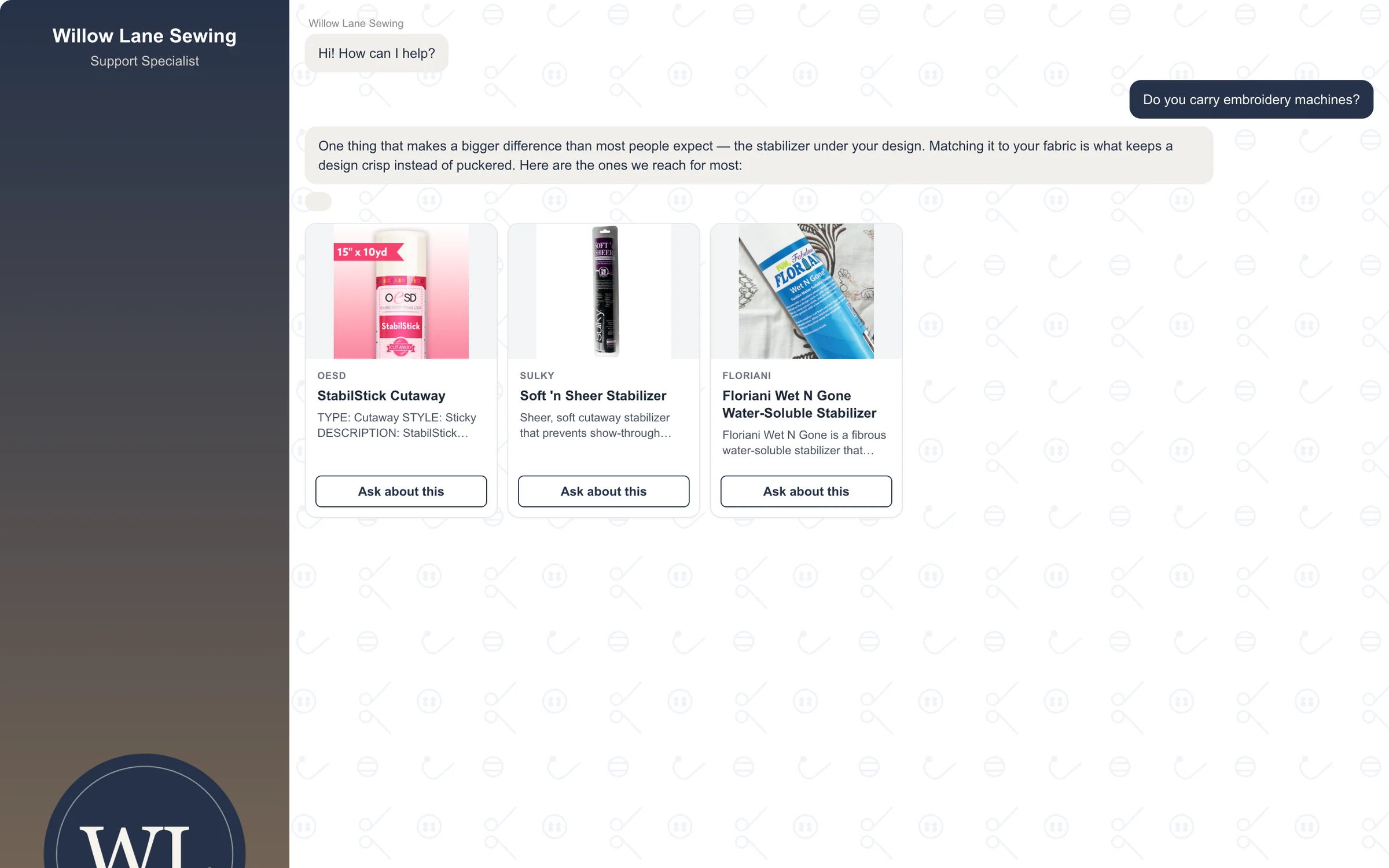
Ask about embroidery machines, and the stabilizers you stock come up too, in your own words.
How dealers use it
-
Tell it what you do, and what you don't
Answer 31 yes-or-no questions a sewing shop gets: servicing, trade-ins, classes, gift cards. Your chatbot gives your answer, word for word, and says "no, we don't do that" politely instead of guessing. Add your exact answer to any other question you're tired of answering.
-
Turn questions into leads
Switch on a ready-made form like Service Request or Machine Interest and say where inquiries should go. When a customer asks "Do you service machines?", your answer comes back with the form right under it. Their name and phone number are in your inbox and on your Leads page by morning.
-
Walk customers to what you sell
Put a few buttons under your greeting so nobody faces an empty box. Switch on our "Find the Right Stabilizer" flow, or build your own, like "Which machine is right for me?" Pair a topic with the products that go with it, and put this month's offer in front of every customer, with an end date so it comes down on its own.
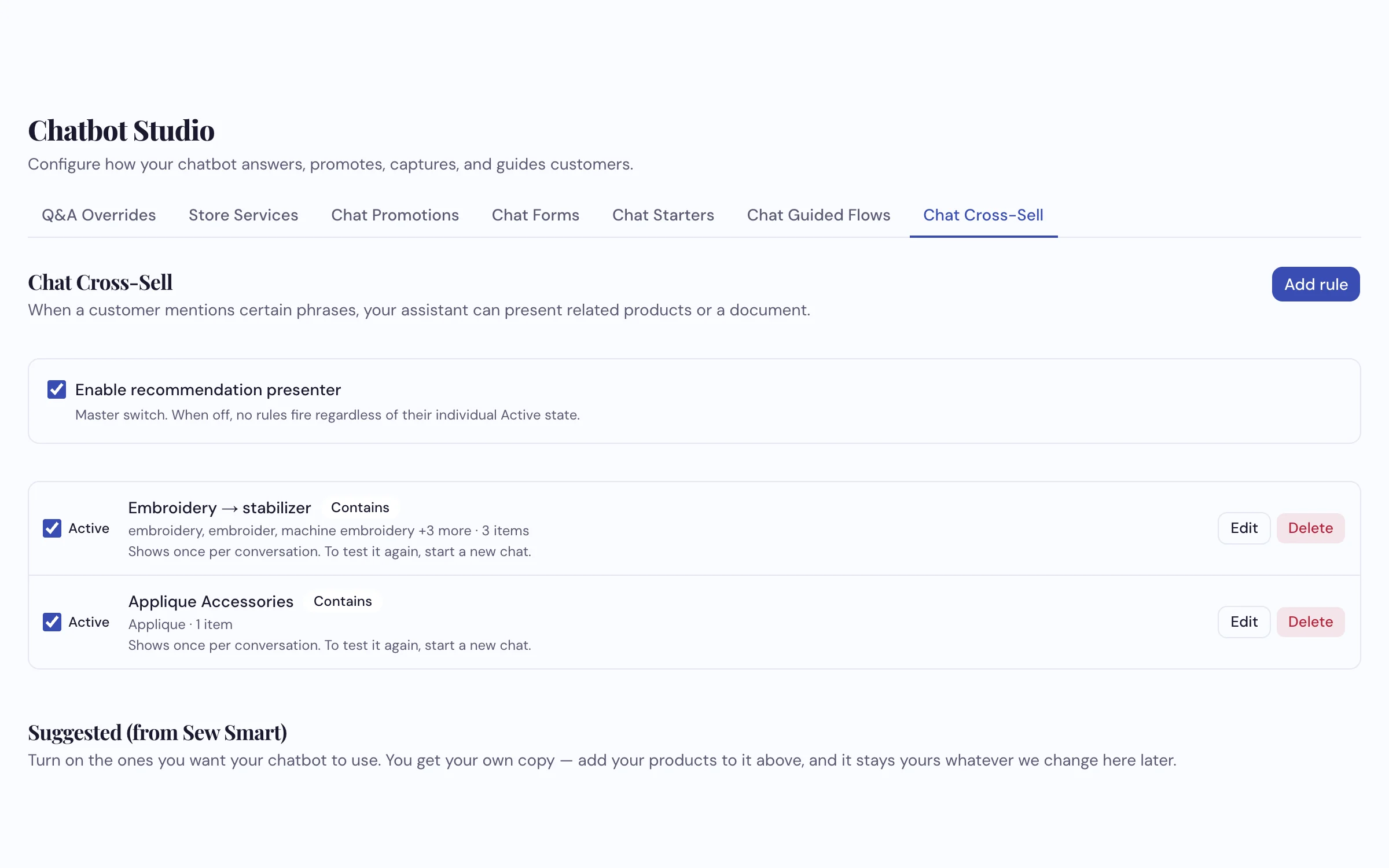
Seven tabs, one place. Each rule shows what sets it off and how many products it brings up.
What it does
- Store Services: 31 yes-or-no answers about your shop, given word for word
- Your exact answers to the questions that matter most, with a form underneath if you like
- Lead forms in the chat, sent to your email and saved on your Leads page
- Chat starters: buttons that ask a question, open a page or start a guided flow
- Guided flows: a few questions with buttons, ending on your recommendation and products you carry
- Cross-sell rules: mention a serger and the cone thread you stock shows up
- Promotions in the chat, taking turns, and coming down on their end date
- Ready-made suggestions on most tabs, so you switch on rather than start from scratch
See your chatbot answer like your shop
We'll show you a form, a guided flow and a cross-sell rule working live, on the call.
Request a Demo