Print and email that
already look like you.
Flyers for the counter, postcards for the mailing, posters for the window, and emails that read well on a phone or a computer — all pulling your colors, fonts and logo automatically.
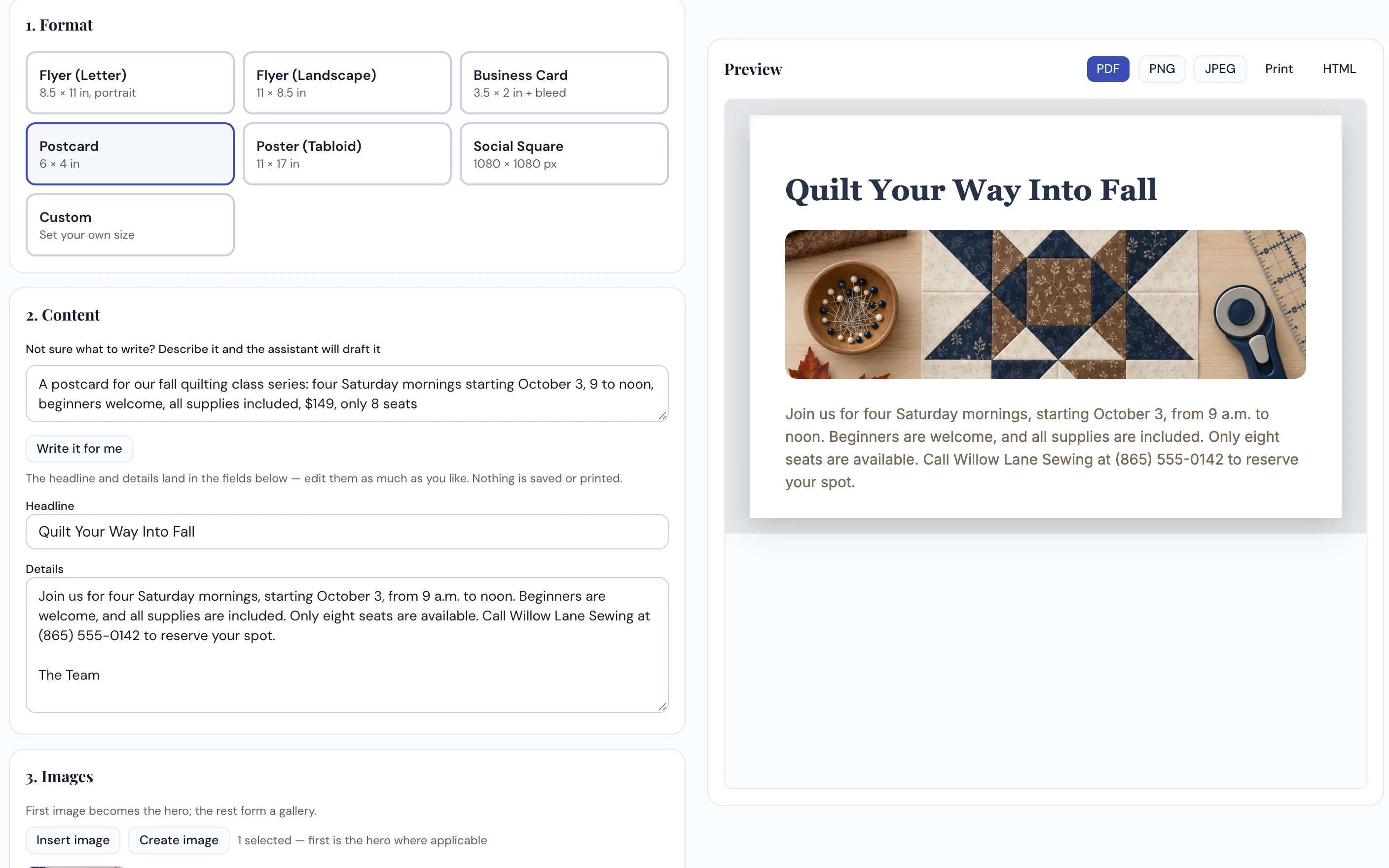
Seven standard formats, sized properly with print bleed, exported at full print resolution.
How dealers use it
-
Pick the format you actually need
Letter flyer, landscape flyer, business card, postcard, tabloid poster, a square for social — or type in your own dimensions. The print sizes come with the bleed already built in, so the printer doesn't send it back.
-
Add your words and your images
A headline, the details, and images straight from your Image Studio library. Stuck for words? Describe it in one line and Write it for me drafts the headline and details for you to change. Your brand colors and fonts are applied without you choosing anything.
-
Export it and use it
PDF or PNG or JPEG at 300 DPI — real print resolution, not a screenshot. On the email side, build a branded email, preview it, and send it to everyone or just the groups you pick — now or scheduled — once your email is connected. Or copy or download the finished HTML.
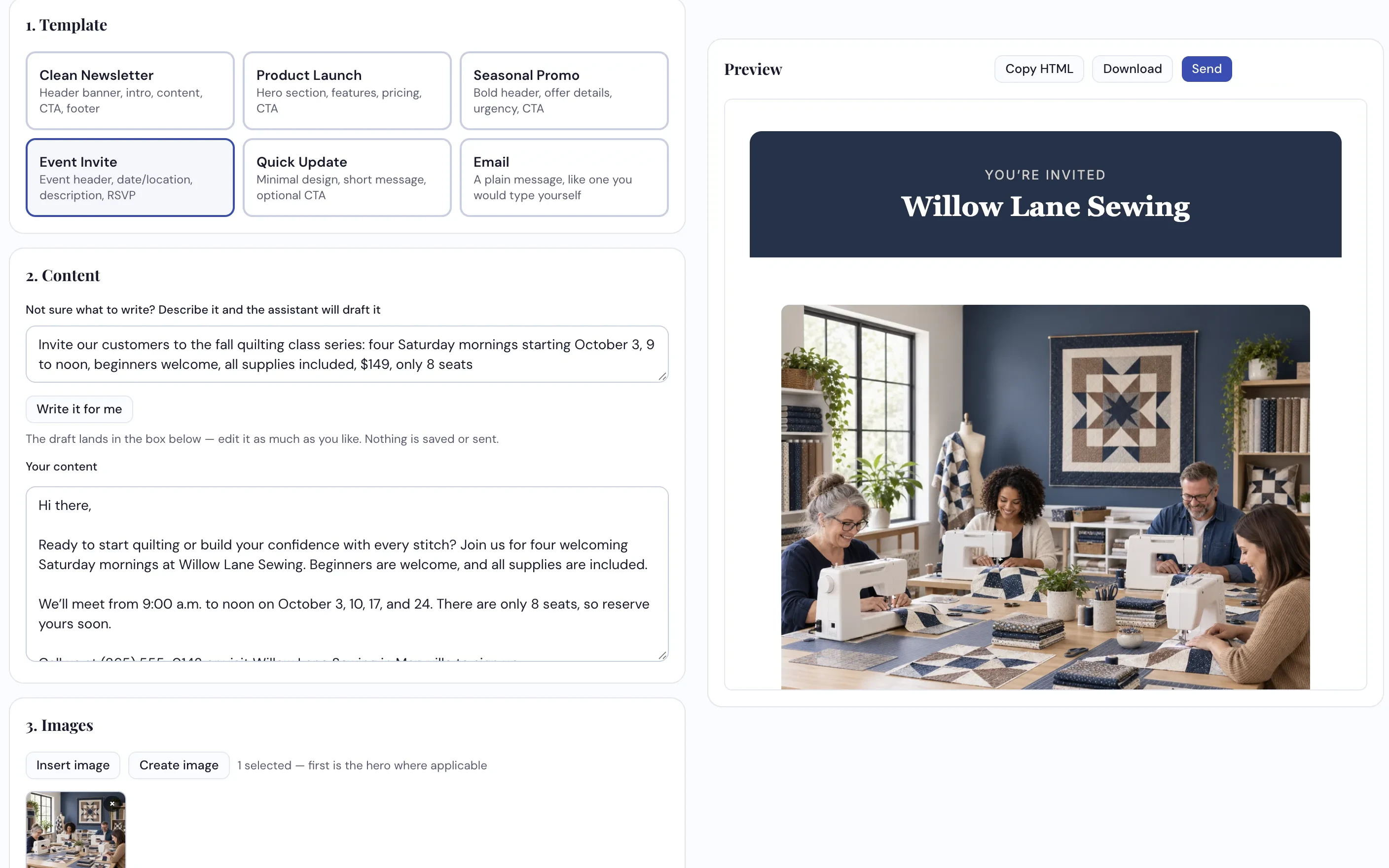
Six email templates, from a full newsletter down to a plain note that reads like one you typed yourself.
What it does
- Seven print formats — letter and landscape flyers, business card, postcard, tabloid poster, social square, and custom dimensions
- Bleed built in on the formats that need it
- Exports PDF, PNG and JPEG at 300 DPI, plus straight to print
- Six email templates — newsletter, product launch, seasonal promo, event invite, quick update, and a plain email
- Sends the email for you — to everyone or chosen groups, now or scheduled — or copy or download the HTML
- Write it for me drafts the words on both sides from a one-line description
- Everything pulls your colors, fonts and logo from your Brand Kit automatically
- Takes content straight across from Content Studio and images from Image Studio
We'll make a flyer for your next event
On the call, in your brand, ready to print.
Request a Demo