Photos that sell,
without the photographer.
Describe the shot you want and get it — in your colors, with your logo on it, ready to post. Every image your store has ever made stays in one library you can search.
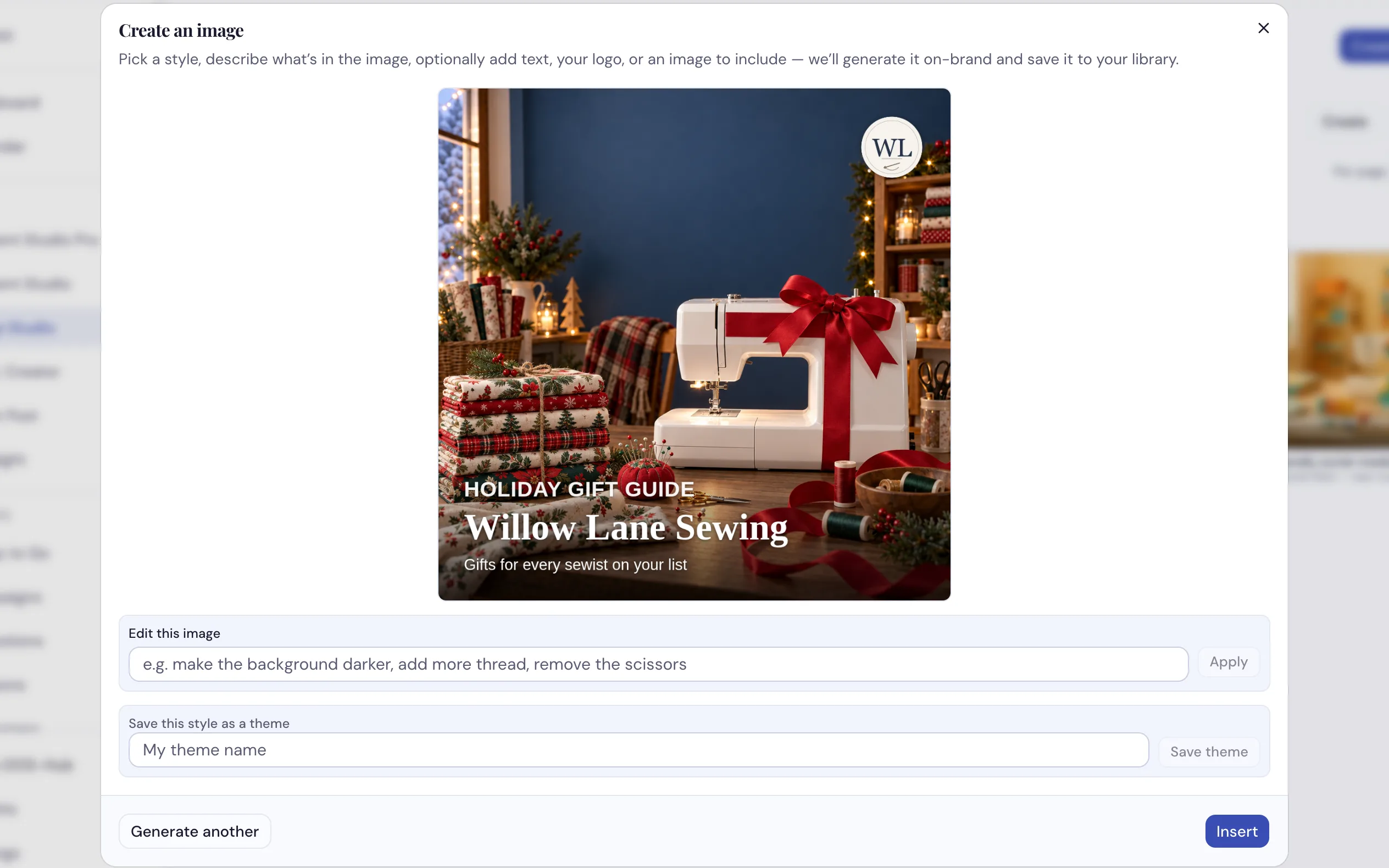
A prompt, a look, and your brand on top of it — in about the time it takes to find a stock photo.
How dealers use it
-
Describe the image you need
A seasonal banner, a class promo, a lifestyle shot of a machine on a workbench. Pick a look, type what you want, and add one of your own photos into the scene if you have one worth using.
-
Put your words and your logo on it properly
AI is famously bad at rendering text — letters come out mangled. So we don't let it. Your headline and your logo are laid on afterwards in your real brand fonts, sharp every time. Ask it to word the headline for you, or write your own.
-
Change it by asking
"Make the background warmer, add more thread spools." It re-renders. Every version is kept, so if the third attempt was the good one you can go straight back to it.
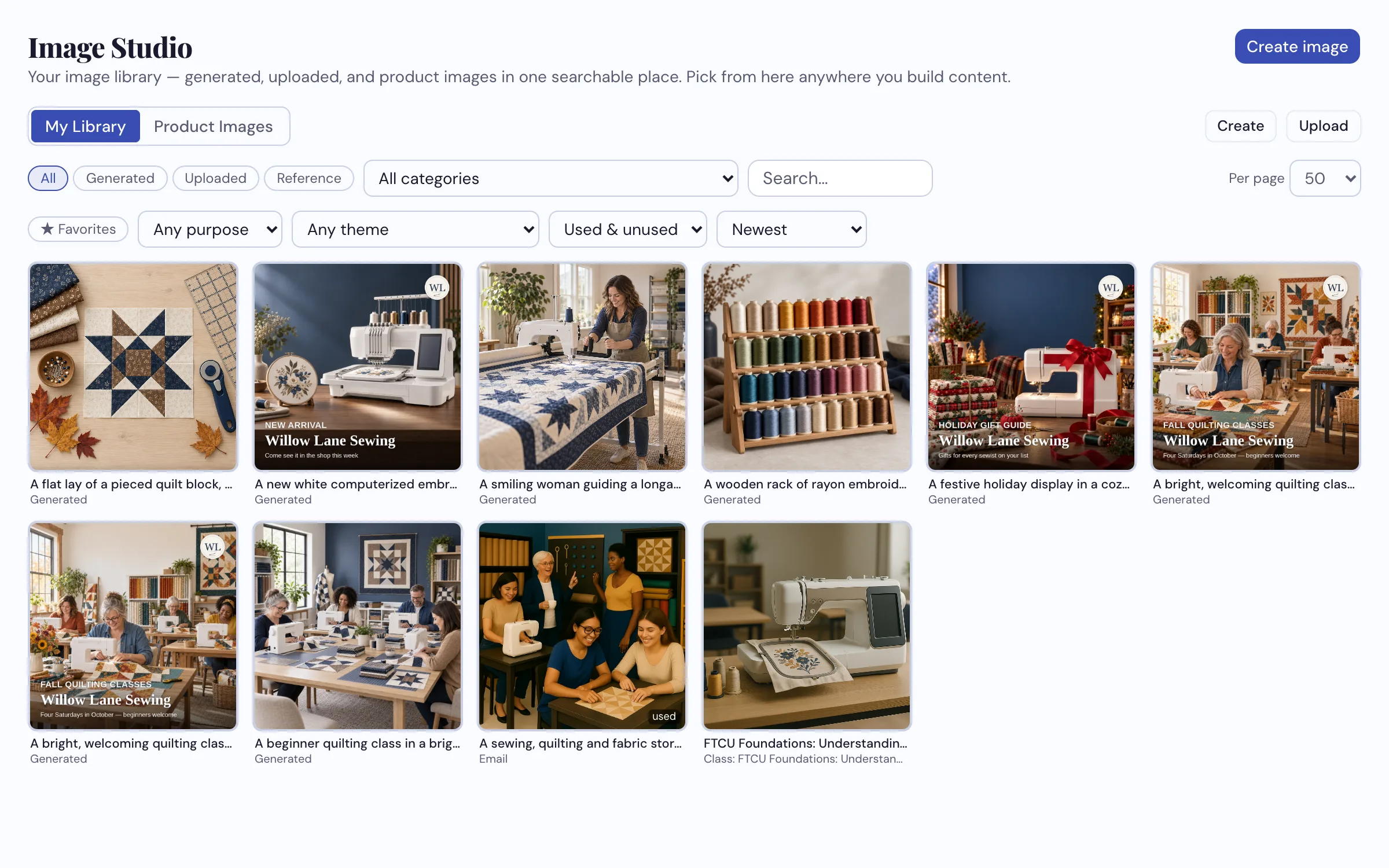
Everything in one place: what you made, what you uploaded, and the product photos from your catalog.
What it does
- Generates images from a description, in a look you pick or your own brand palette
- Composites your headline and logo in real brand fonts — not AI-drawn lettering
- Edits by instruction — say what to change instead of learning a photo editor
- Keeps every version, so you can restore any earlier attempt including the original
- One searchable library your whole team shares — generated, uploaded and catalog images, filtered by purpose, theme, favorites, or what you've already used
- The same library opens wherever you add a picture — social posts, emails and print designs
See what it makes with your products
Bring us a photo and a piece of your brand — we'll show you the difference on the call.
Request a Demo