Describe a class.
Get a plan you can teach.
Start with a sentence about the class you have in mind. Class Creator helps you build it from scratch: what students will learn, what they bring, a timed teaching outline, a Teacher's Guide for you and a Student Handout to print. Then it hands the class to your calendar without typing it again.
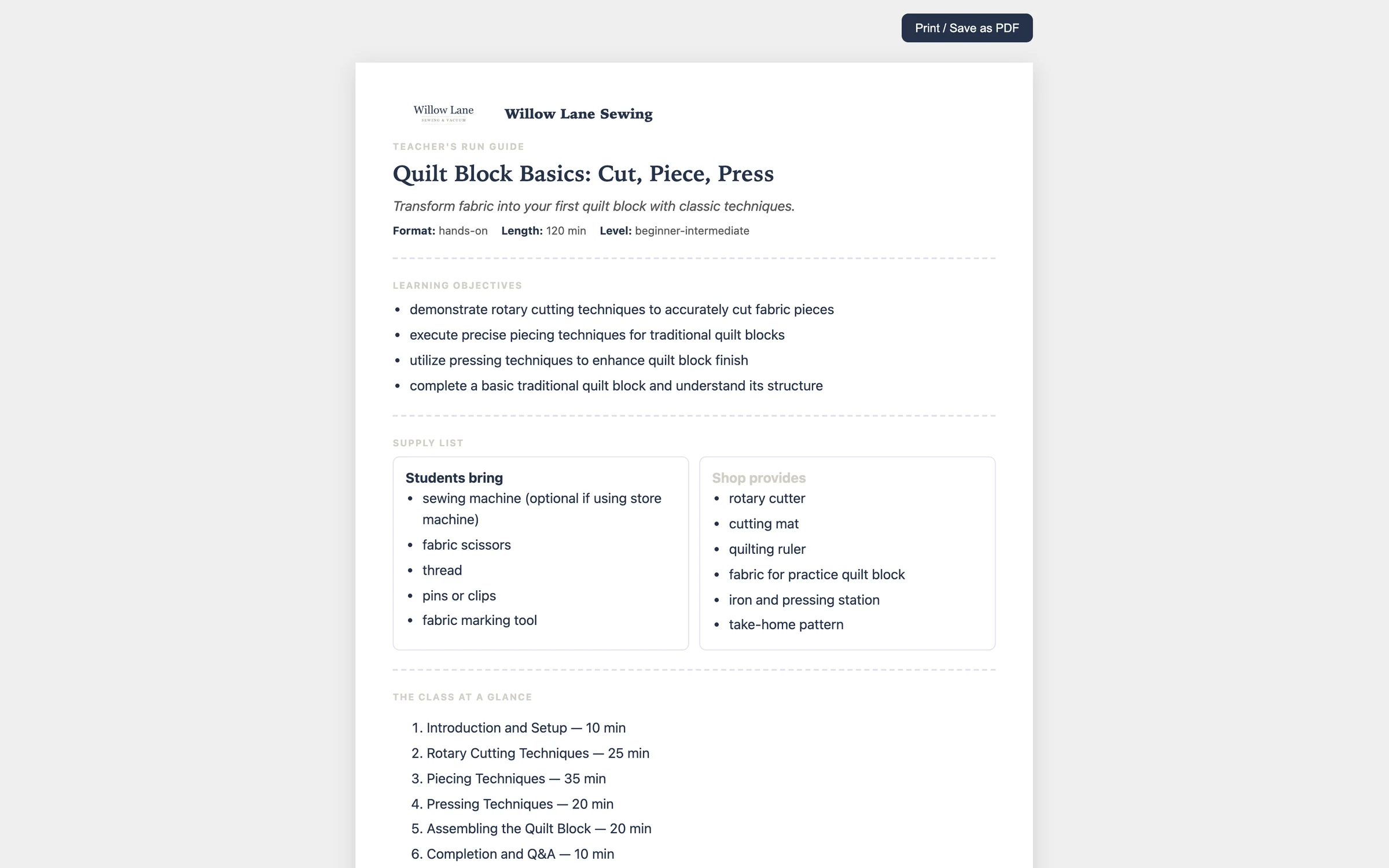
Your shop's name and logo on every document, ready to print or save as a PDF.
How dealers use it
-
Describe it in your own words
"A two-hour beginner class: cut, piece and press your first quilt block. Bring your own machine or use one of ours." Then pick how it's taught, how long it runs, the skill level and the class type.
-
It suggests; you decide
The Class Coach offers angles and ideas, and you pick what goes in. Then come the basics (title, hook, objectives, supply lists) and a timed outline with what to do and what to say. Ask for changes in plain words and it revises what's there instead of starting over. Nothing moves on until you approve it.
-
Print the documents and put it on the calendar
Build the Teacher's Guide and Student Handout, then click Turn into an event. The title and description arrive already filled in. You set the dates, seats and price there.
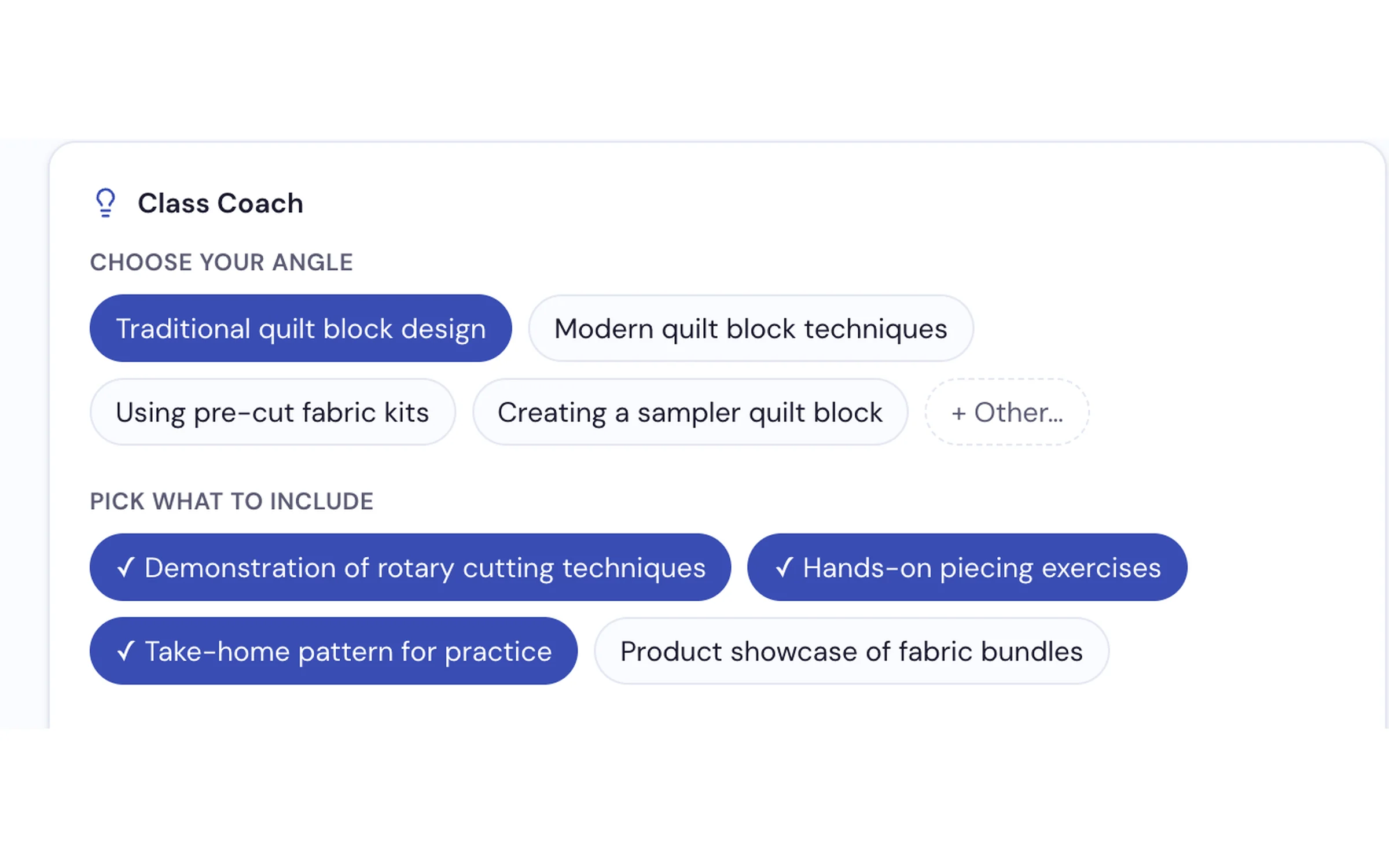
Pick an angle and what to include before anything is written.
What it does
- Builds a class from a sentence, one approved step at a time
- A Class Coach with angles, ideas and a box for anything it must include
- The basics — title, hook, learning objectives, what students bring and what you provide
- A timed teaching outline with what to do, why, and what to say
- A Teacher's Guide and a Student Handout in your shop's name and logo
- A handout link that goes out in the sign-up email for a class you turned into an event
- A class library to duplicate a class for next month or archive it
- Turns a class into an event, and re-sends updates if you change the plan
Bring a class idea and we'll plan it live
From one sentence to a printed Teacher's Guide, on the call.
Request a Demo