Just ask.
Copilot gets it done.
"Draft a Facebook post about our Saturday embroidery club." "Show my open repairs." "How is my shop doing this month?" Type it or say it, and Copilot does it, or opens the right tool beside the chat so you can finish it yourself. Anything that would save, publish or send waits for your OK.
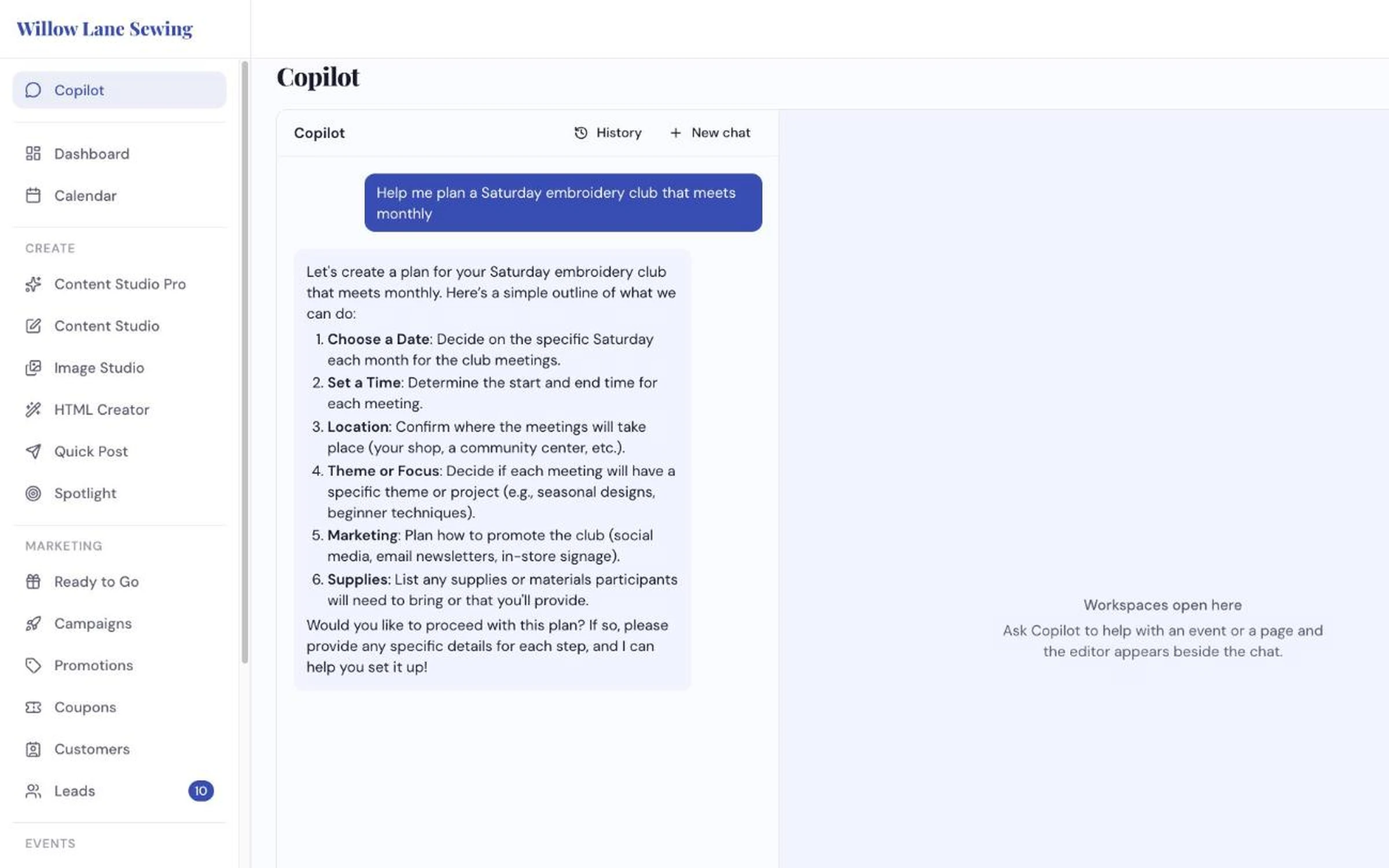
Ask in plain words. It answers with a plan you can act on.
How dealers use it
-
Ask the way you'd ask a person
Type in the box or tap the microphone and talk. "Start a class about free-motion quilting" opens Class Creator beside the chat. "List my new leads" or "search my catalog for embroidery machines" just runs and answers.
-
Hand it the whole job
"Create everything to promote our fall open house." Copilot lays out a numbered plan, then makes each piece in turn: the posts, the image and more. Each one appears beside the chat for you to check and change.
-
Approve what goes out
Anything that saves, publishes, sends or deletes shows Approve and Discard first, and nothing happens until you click Approve. Looking things up doesn't need your OK. Past chats are kept under History, so you can pick up where you left off.
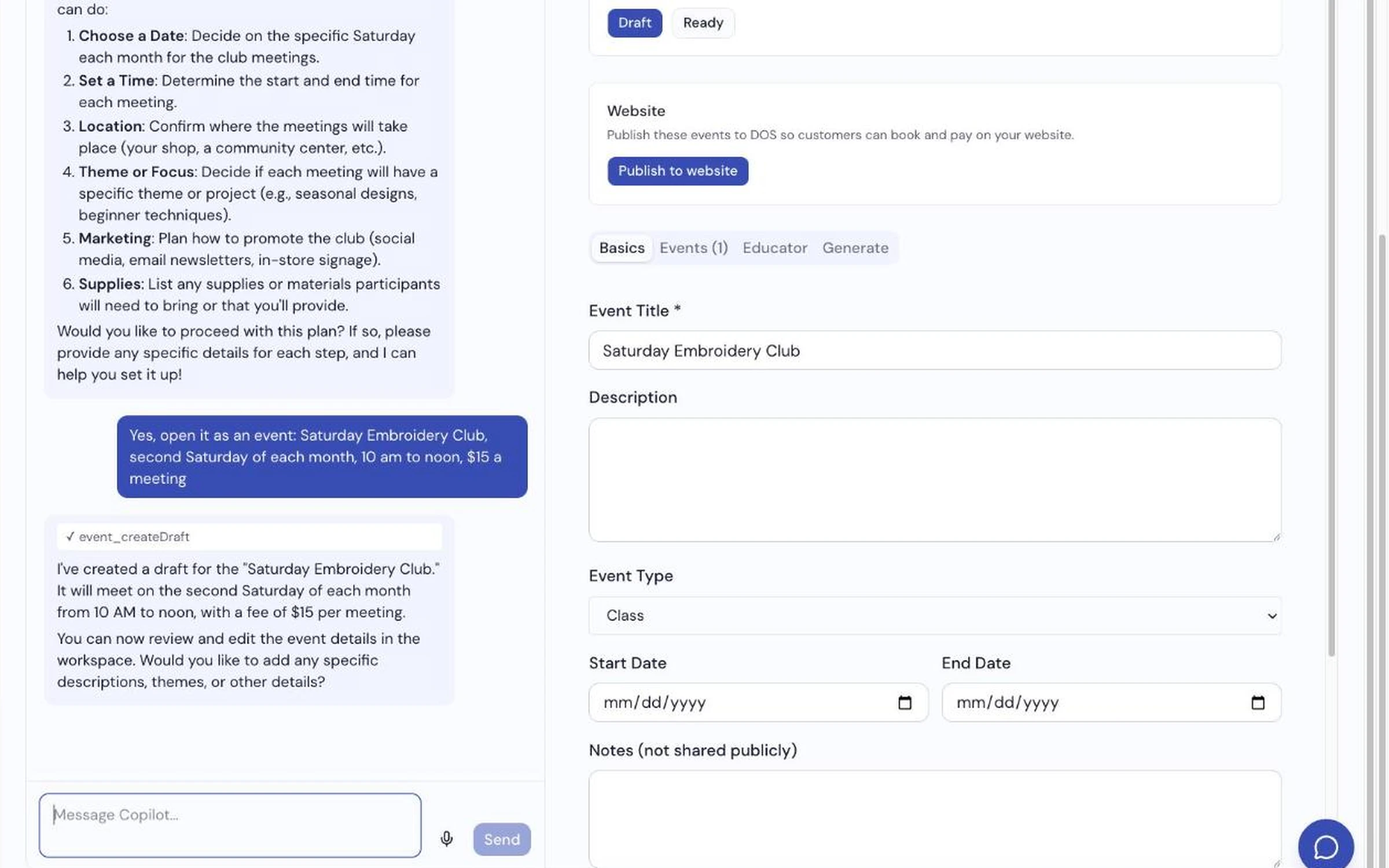
Say "set it up" and the event opens beside the chat as a draft — nothing goes live until you publish it.
What it does
- Works across most of your tools: content, images, events, classes, leads, service, catalog, chatbot, knowledge, coupons, forms and brand colors
- Opens the real editor beside the chat, so you edit and save the normal way
- Multi-step jobs from one request, shown as a plan first
- Field-by-field help: a punchier hook for a class, with Accept & save beside it
- Talk instead of type, in most browsers
- Looks up your real records before acting on them, rather than inventing details
- Keeps your past chats under History
Ask it something about your shop, live
We'll run a real request on the call, start to finish.
Request a Demo